How to write an ATS-friendly resume
Most US employers, and nearly all large ones, use an applicant tracking system (ATS) such as Workday, Greenhouse, Lever or iCIMS to collect and sort applications. The software reads your resume, pulls out your details and lets recruiters search for keywords. A resume that the software can’t read properly may never be seen. Here is how to avoid that.
What an ATS actually does
An ATS turns your resume into text and sorts it into fields: name, contact details, job titles, employers, dates, education and skills. Recruiters then search and filter, for example for “registered nurse” and “Epic”, and may rank applicants by how well they match the job. It is less like a robot rejecting you and more like a search engine. If your resume doesn’t contain the words recruiters search for, or the software misreads it, you won’t show up.
Formatting that ATS software reads well
- A single-column layout. Some systems read two-column layouts across the columns and scramble the text.
- Standard section headings: “Experience”, “Education”, “Skills”. Creative headings like “Where I’ve been” may not be recognized.
- Your contact details in the body of the page, not in the document’s header or footer, which some systems skip.
- No text in images, charts, icons or text boxes. Skill bars and star ratings can’t be read.
- Common fonts and plain bullet points.
- Dates in a consistent format, such as “Jan 2023 – Present”.
Keywords: the part that matters most
Read the job description and note the job title, the hard skills, the tools and the certifications it mentions. Use the same words in your resume, exactly as written, wherever they truthfully describe you. Write out abbreviations once, for example “Search engine optimization (SEO)”, so either version matches. Put keywords in context in your experience bullets, not only in a skills list.
Experience with Salesforce, pipeline management and forecasting.
Managed a $3.4M pipeline in Salesforce and improved forecast accuracy from 72% to 91% with weekly deal reviews.
PDF or Word?
Modern ATS software reads both well when the file has real, selectable text. A PDF keeps your layout exactly as designed, so use it unless the application asks for Word. If an older portal mangles your details after upload, upload the Word version instead. Every template here downloads as both.
Myths to ignore
- Hiding keywords in white text: recruiters see it when the text is extracted, and it looks dishonest.
- You need a plain, ugly resume: clean design is fine as long as the structure is simple.
- An ATS automatically rejects most resumes: usually people do the rejecting, using the ATS to search. Your job is to be findable and convincing.
ATS checklist
- Single-column layout with standard headings.
- Contact details in the main body of the page.
- No important text in images, icons, tables or text boxes.
- The job title and key skills from the job description, used truthfully.
- Saved as a text-based PDF (or Word, if asked).
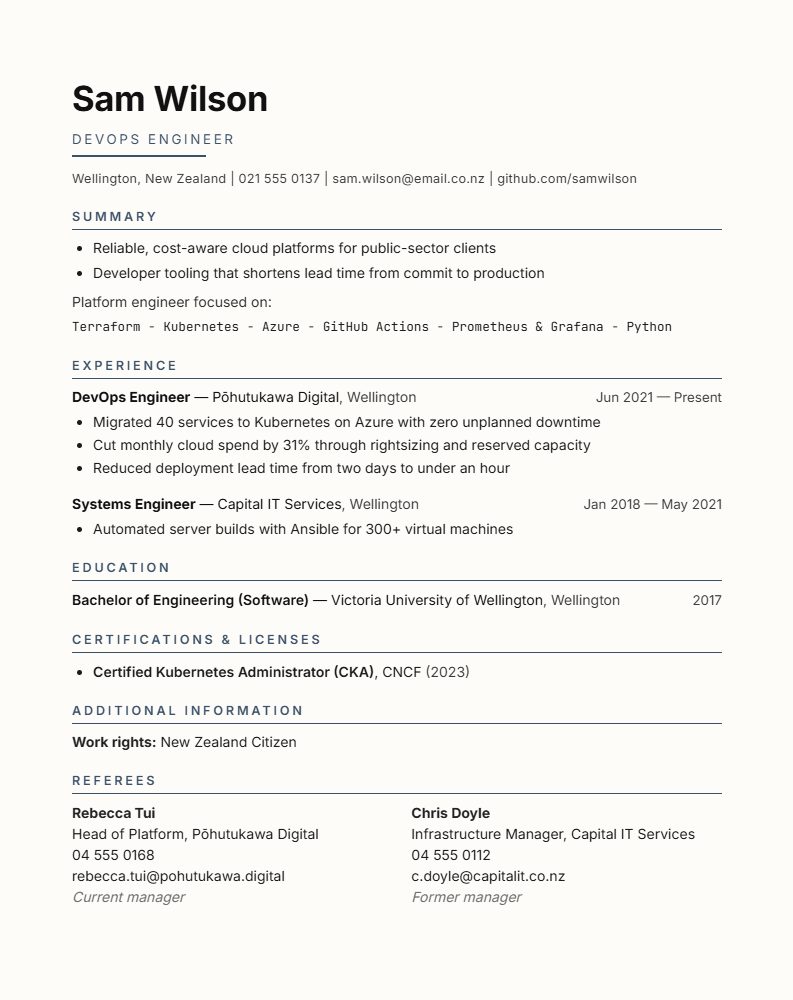
A single-column, sans-serif resume designed for ATS screening.
Use this template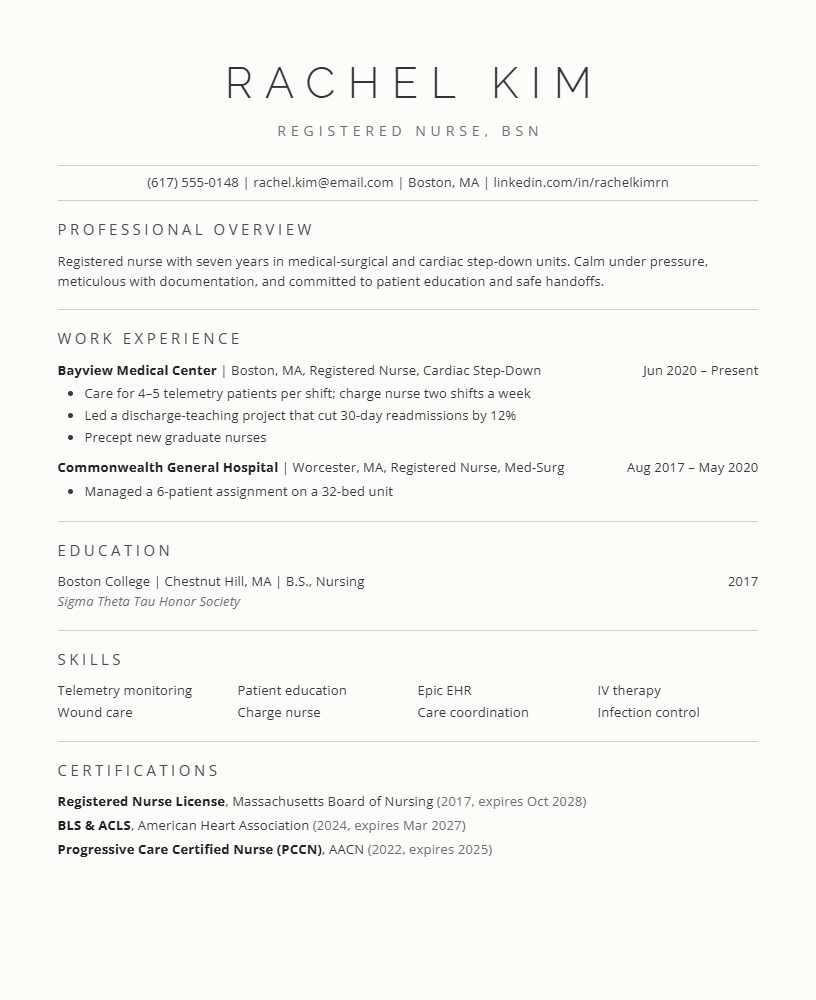
A classic single-column layout that every major ATS reads cleanly.
Use this templateFree to edit online. US$12 one-off to download, with no subscription.