Résumé template with photo: The Portrait
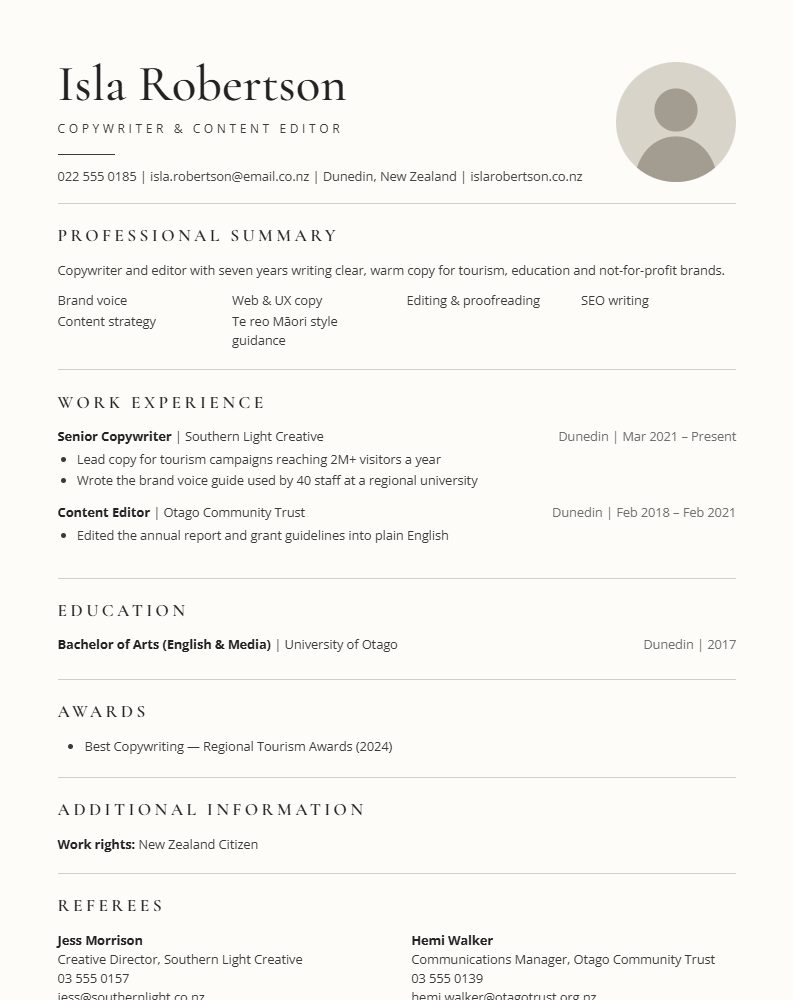
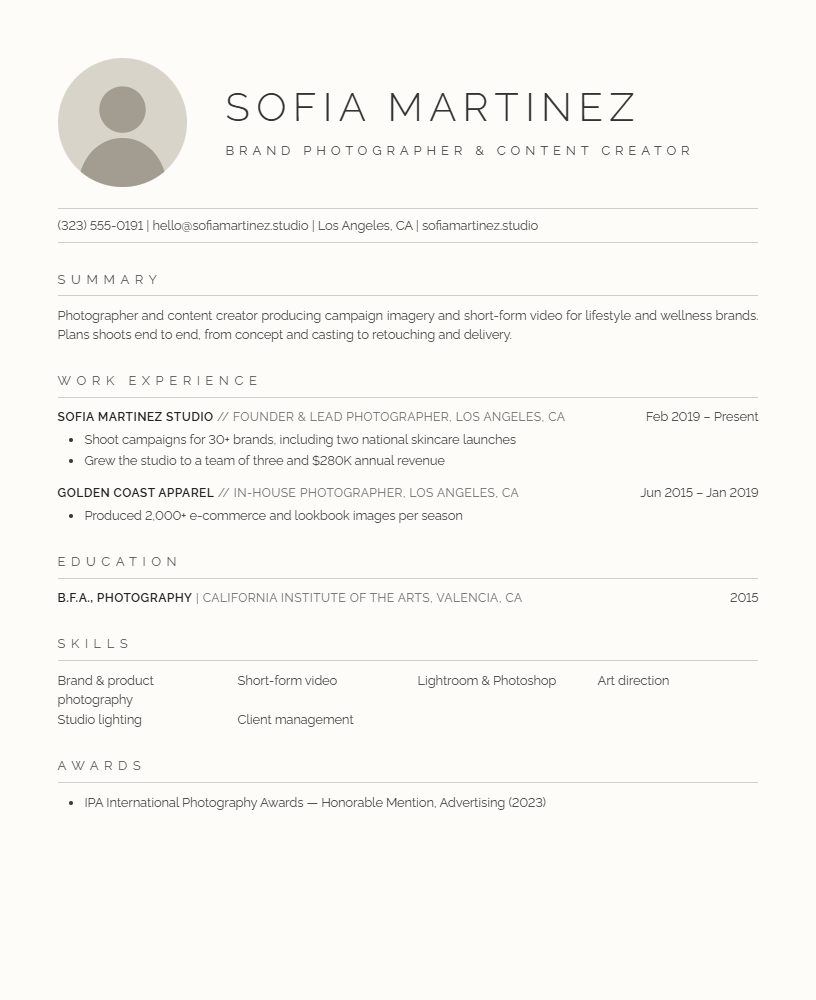
The Portrait places a round photo next to a widely spaced name, giving a personal first impression. Use it where a photo is welcome, such as creative, hospitality or client-facing roles, or in countries where photos are expected.
Use this templateFree to edit online. US$12 one-off to download, with no subscription.
Best for
- Photographers and creatives
- Hospitality and events
- Roles where a photo is customary
Template details
- Round photo beside a wide-spaced name.
- Default paper size: US Letter. Switch between A4 and Letter at any time.
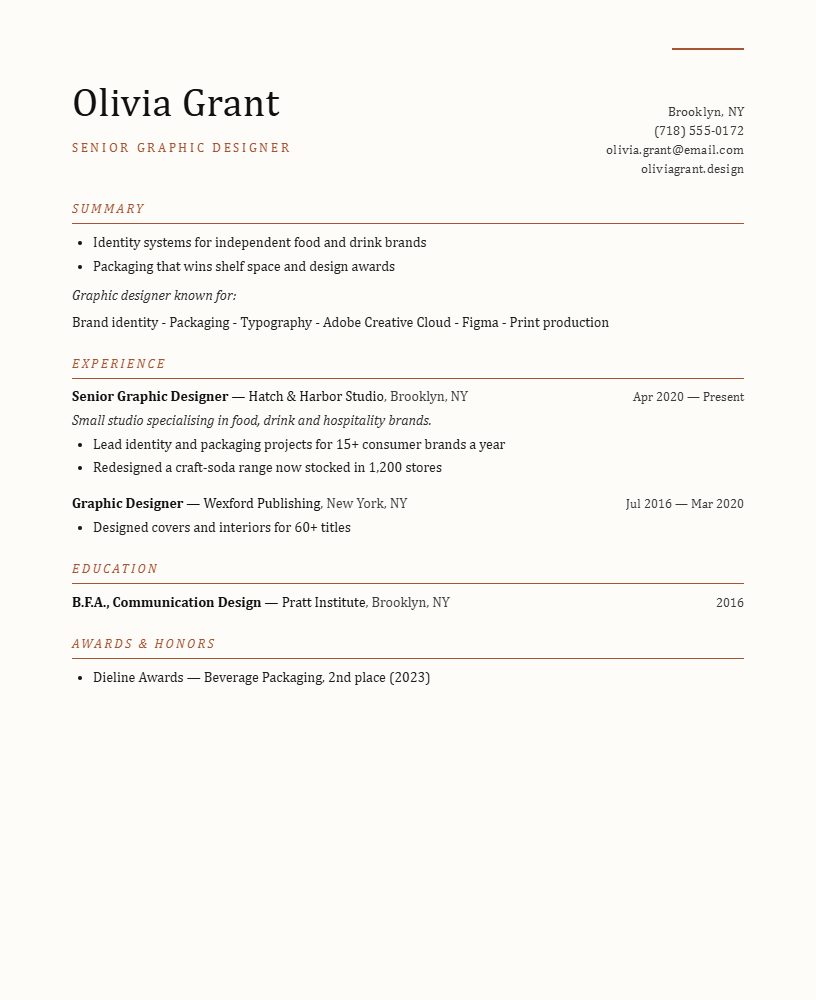
- Two-column and photo layouts look great when you email or hand over your CV. For large online job portals, a single-column template is the safest choice for applicant tracking systems (ATS).
- Change the accent colour, and switch to any other template without retyping.
- Download as a PDF and as an editable Microsoft Word (.docx) file.
- Comes with a free matching cover letter in the same design.
How to write a résumé with a photo, and when to use one
In some roles and countries, a face helps a CV be remembered: creative work, hospitality, events and many European, Middle Eastern and Asian markets where photos are expected. A round photo beside a widely spaced name gives a warm, personal first impression without looking like an ID card. The rest of the page stays clean, so your experience still does the persuading.
What to put in each section
- Choosing the photo
- Use a recent, well-lit head-and-shoulders shot against a plain background, dressed as you would for the job. Smile naturally. Avoid holiday crops, filters and group photos.
- Profile
- Two or three lines about what you do and the feeling you bring to clients or guests. In people-facing roles, personality is part of the offer.
- Experience and work
- Show the work itself: events run, shoots completed, clients served and ratings received. For photographers and creatives, link to a portfolio in the contact line.
Example bullet points
Adapt these to your own work. The figures are only examples.
- Photographed 60 weddings and corporate events a year, with a 5.0 rating across 140 reviews
- Coordinated a three-day conference for 1,200 delegates, delivered on budget
- Built a repeat-client base that made up 45% of bookings in my second year
- Managed a front-of-house team of eight during peak season at a 200-seat restaurant
Common questions
Should I put a photo on my CV in New Zealand, Australia, the UK or the US?
Usually not. Photos are uncommon there and some employers prefer not to receive them, to avoid bias. Use this template where a photo is expected, or switch to a template without one. Your content carries over.
Will applicant tracking systems read a CV with a photo?
The text is read normally. The photo itself is ignored. For large online portals, a single-column template without a photo is still the safest choice.
What's included for US$12
- Every template, switch as often as you like
- Unlimited PDF downloads
- Unlimited editable Word (.docx) downloads
- A free matching cover letter for every template, in the same design
- AI import: paste your old CV and it sorts itself into place (5 a day)
- AI cover letters written from your CV and the job ad (5 a day)
- A4 (NZ, AU, UK) and US Letter paper sizes
- 30 days of access from purchase
- One payment. No subscription, never auto-renews