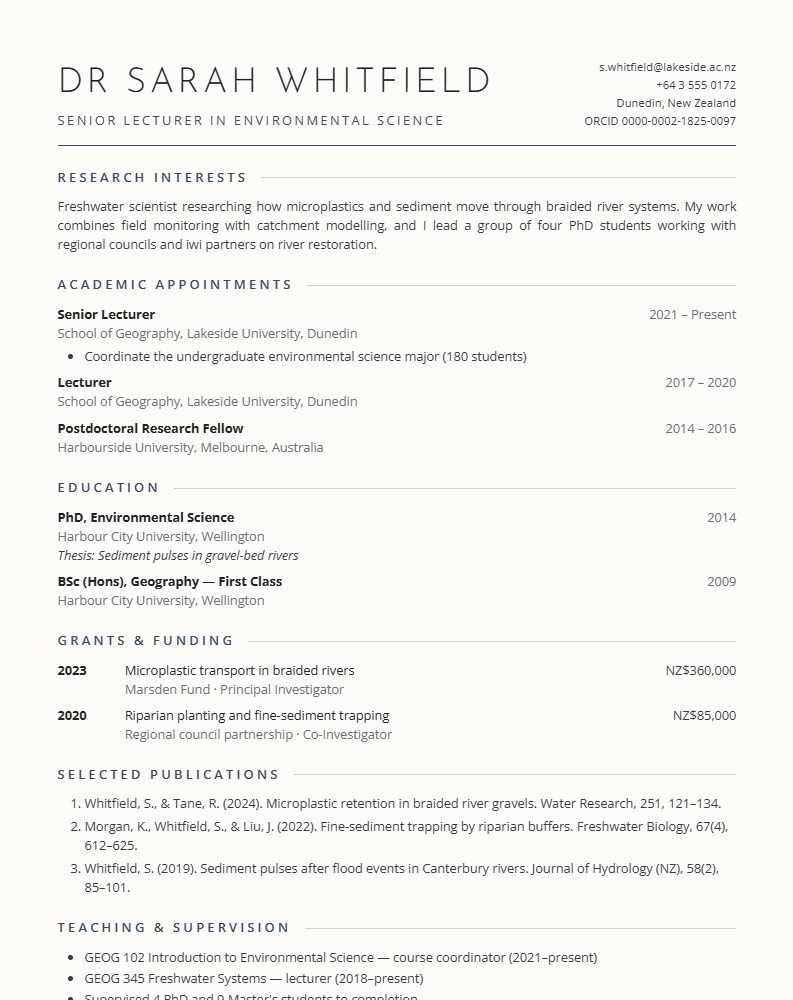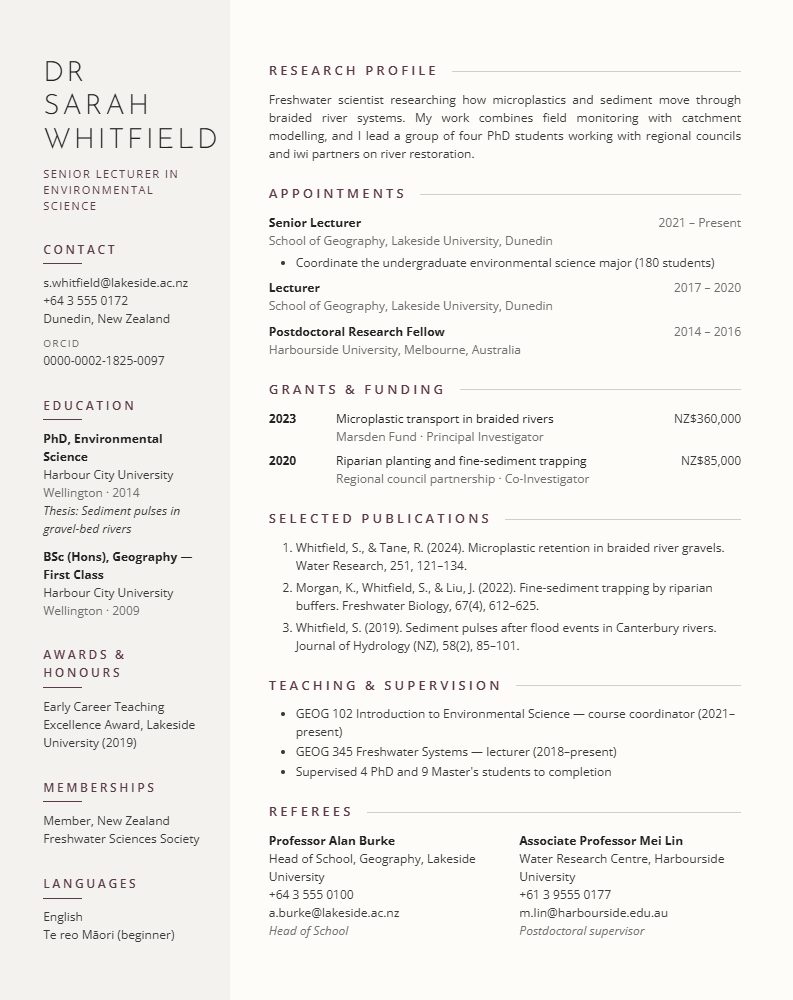
Two-column academic CV template: The Fellow
The Fellow keeps contact details, ORCID, education and memberships in a light side panel, leaving the main column for your research profile, grants, publications and teaching. It is a modern take on the academic CV.
Use this templateFree to edit online. US$12 one-off to download, with no subscription.
Best for
- Research fellows
- Early-career academics
- Fellowship and grant applications
Template details
- Academic CV with a light side panel for contact, education, ORCID.
- Default paper size: A4 (NZ, Australia, UK, Europe). Switch between A4 and Letter at any time.
- Two-column and photo layouts look great when you email or hand over your CV. For large online job portals, a single-column template is the safest choice for applicant tracking systems (ATS).
- Change the accent colour, and switch to any other template without retyping.
- Download as a PDF and as an editable Microsoft Word (.docx) file.
- Comes with a free matching cover letter in the same design.
How to write a two-column academic CV for fellowships
Fellowship and early-career applications are often read quickly by panels working through many files. This two-column layout puts the facts they check first (contact details, ORCID, education and memberships) in a light side panel. The main column is left for your research profile, grants and publications. It reads as modern and well organised, which helps when your record is growing but not yet long.
What to put in each section
- Side panel
- Contact details, ORCID, your PhD and other degrees with institutions and years, society memberships and languages. These rarely change, so the main column can focus on achievements.
- Research profile
- Three or four sentences: your question, your approach and why it matters now. For fellowships, connect it directly to the scheme’s priorities.
- Grants and awards
- Early-career awards count, including travel grants, prizes and small project funds. Give the funder, amount and year so a panel can see momentum.
- Publications
- Numbered, most recent first. Mark papers under review clearly, and add a one-line note on your contribution where author order doesn’t show it.
Example bullet points
Adapt these to your own work. The figures are only examples.
- First author of five peer-reviewed articles, including two in top-quartile journals for my field
- Awarded a university postdoctoral fellowship ($180,000 over two years), 2024
- Invited speaker at three international conferences and two public outreach events
- Co-supervised two honours students to first-class results
Common questions
Is a two-column CV acceptable for academic jobs?
Yes. University CVs are read by people, not filtered by software, so the layout is safe. If an application portal asks you to paste text, use the content from your editor.
Should I include papers under review?
Yes, clearly labelled “under review” or “submitted”, with the journal name if your field does that. Don’t list them as accepted until they are.
What's included for US$12
- Every template, switch as often as you like
- Unlimited PDF downloads
- Unlimited editable Word (.docx) downloads
- A free matching cover letter for every template, in the same design
- AI import: paste your old CV and it sorts itself into place (5 a day)
- AI cover letters written from your CV and the job ad (5 a day)
- A4 (NZ, AU, UK) and US Letter paper sizes
- 30 days of access from purchase
- One payment. No subscription, never auto-renews